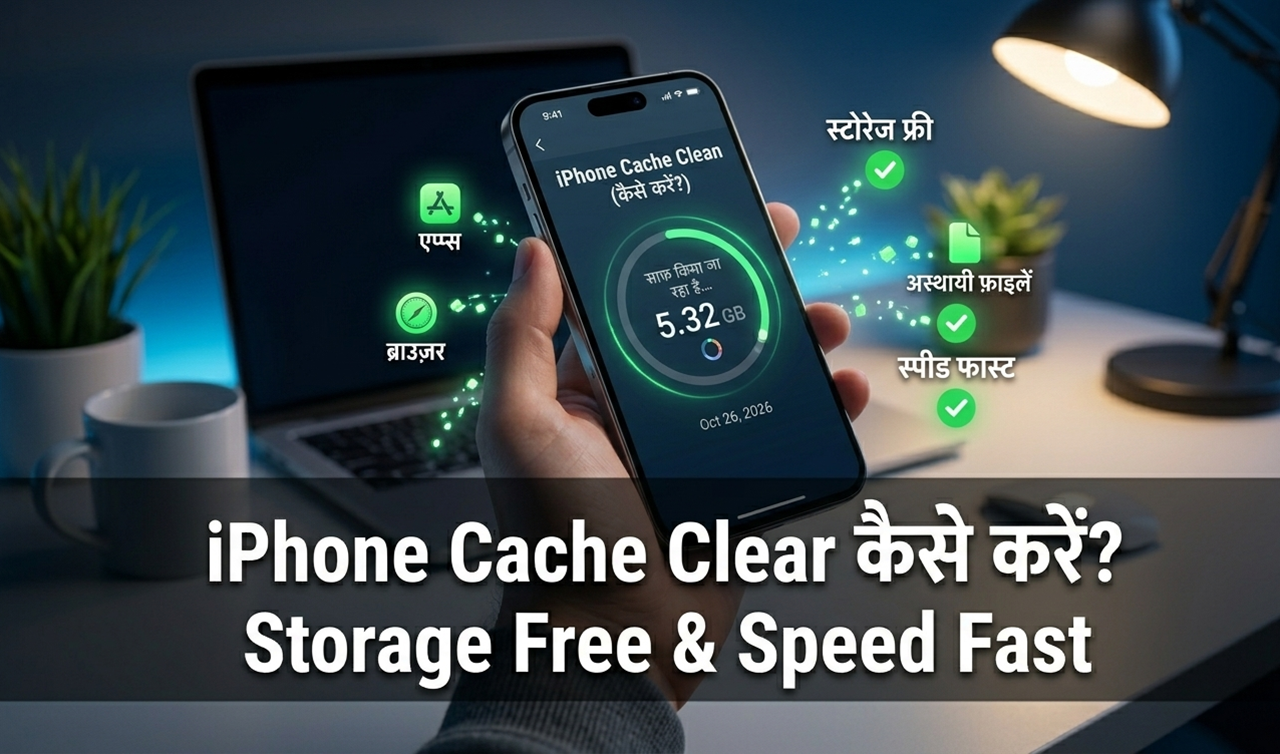
How Do I Clear Cache on iPhone? (2026 Step-by-Step Guide – Storage Free करें और iPhone Fast बनाएं)
Last Updated: March 2026
यदि आपका iPhone धीमा हो गया है, apps सही से open नहीं हो रहे हैं या storage जल्दी भर जाता है, तो सबसे सामान्य सवाल होता है:
👉 how do i clear cache on iphone
iPhone में cache clear करना Android की तरह सीधे एक button से संभव नहीं होता, लेकिन कुछ आसान तरीकों से आप आसानी से:
✔ storage free कर सकते हैं
✔ iPhone की speed बढ़ा सकते हैं
✔ app crash समस्या ठीक कर सकते हैं
✔ Safari browsing smooth बना सकते हैं
इस guide में हम विस्तार से समझेंगे how do i clear cache on iphone using Safari cache, app cache और system storage cleanup methods.
📌 What We Cover in This Blog
- iPhone cache kya hota hai aur ye phone ko slow kyu karta hai
- how do i clear cache on iphone step-by-step process
- Safari cache clear karne ka easiest method
- App cache clear karne ke working methods
- iPhone storage cleanup ka best तरीका
- Cache clear karne ke major benefits
- Kab cache clear karna zaroori hota hai
- Common problems aur unke solutions (FAQ section)
Agar aapka iPhone slow ho raha hai ya storage quickly full ho raha hai, to ye guide aapke liye complete solution provide karegi.
How do i clear cache on iphone
कुछ समय पहले मेरे एक परिचित का iPhone अचानक slow हो गया था। Safari open होने में समय लग रहा था और WhatsApp media भी धीरे load हो रहा था।
उन्होंने सोचा कि शायद phone में कोई बड़ी समस्या हो गई है।
लेकिन मैंने केवल:
- Safari cache clear किया
- unnecessary apps हटाए
- storage cleanup किया
और उनका iPhone फिर से smooth चलने लगा ✅
यदि आप भी search कर रहे हैं how do i clear cache on iphone, तो संभव है आपकी समस्या भी इसी तरह आसानी से ठीक हो जाए।

Vivo Y71 Flash File Download & Firmware
Vivo Y71 Flash File Download & Firmware (2026) अगर आप Vivo Y71 Flash File खोज…

Redmi Note 8 Pro Flash File Download & Firmware
Redmi Note 8 Pro Flash File Download & Firmware Guide (2026) अगर आपका Redmi Note…
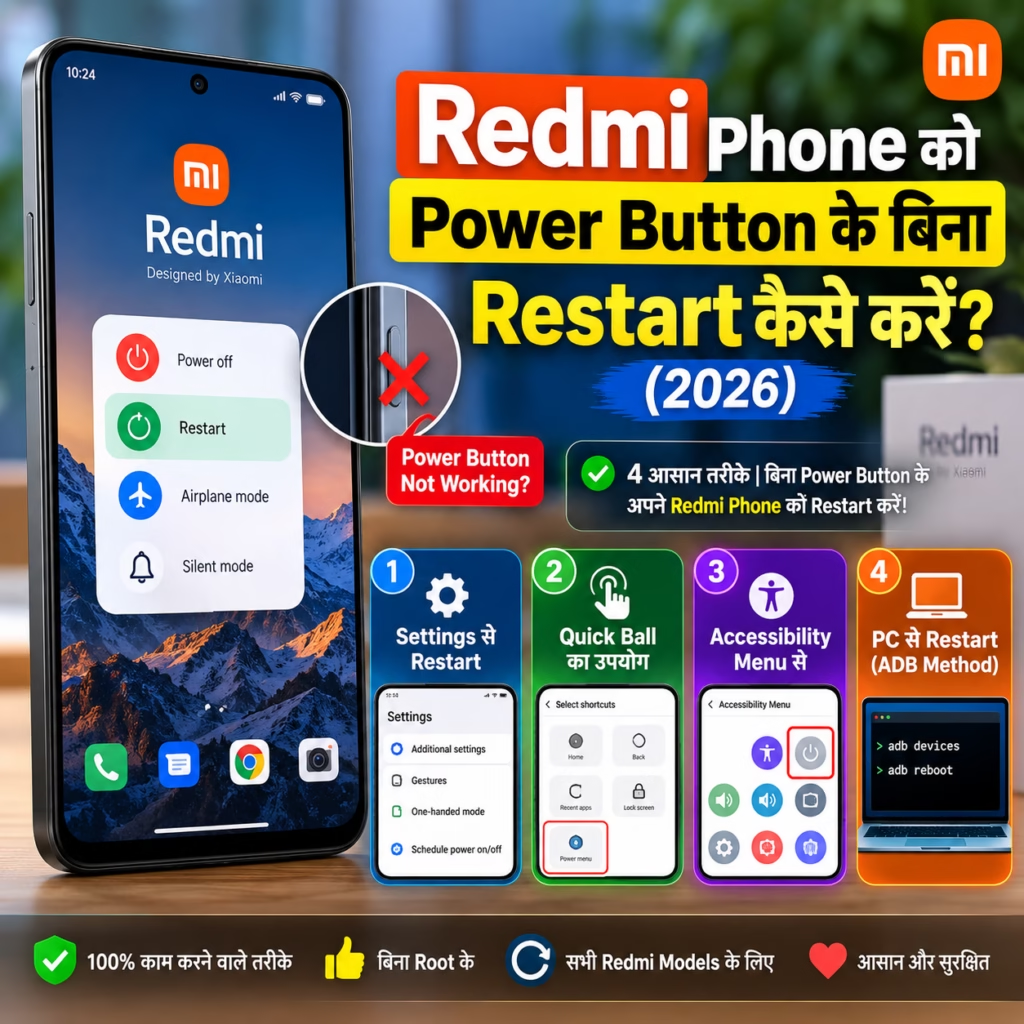
Redmi Phone को Power Button के बिना Restart कैसे करें? (2026)
Redmi Phone को Power Button के बिना Restart कैसे करें? (2026) अगर आपके Redmi Phone…
Phone Warranty Check Kaise Kare? IMEI से Status Check (2026)
Phone Warranty Check Kaise Kare Online? IMEI से Warranty Status Check (2026) Last Updated: 18…
WhatsApp Chat Backup Kaise Kare? Android aur iPhone Guide (2026)
WhatsApp Chat Backup Kaise Kare? Complete Guide (2026) Quick Answer: WhatsApp Chat Backup Kaise Kare?…
Chori Hua Phone Kaise Block Kare? CEIR से IMEI Block (2026)
Chori Hua Phone Kaise Block Kare? CEIR Portal से IMEI Block करें (2026) Last Updated:…
📌 iPhone Cache क्या होता है?
Cache temporary files होते हैं जिन्हें apps और browser performance improve करने के लिए store करते हैं।
Example:
| Cache Type | Example |
|---|---|
| Safari cache | website images और browsing data |
| App cache | Instagram thumbnails |
| System cache | background temporary files |
जब cache अधिक हो जाता है तो iPhone slow होने लगता है।
🔧 How Do I Clear Cache on iPhone (Quick Method)
iPhone में Android की तरह direct clear all cache option उपलब्ध नहीं होता।
लेकिन आप इन तरीकों से आसानी से cache clear कर सकते हैं:
✔ Safari cache clear करें
✔ App reinstall करें
✔ Offload App feature use करें
✔ storage cleanup करें
नीचे सभी methods step-by-step दिए गए हैं।
🌐 Safari Cache Clear कैसे करें (Step-by-Step)


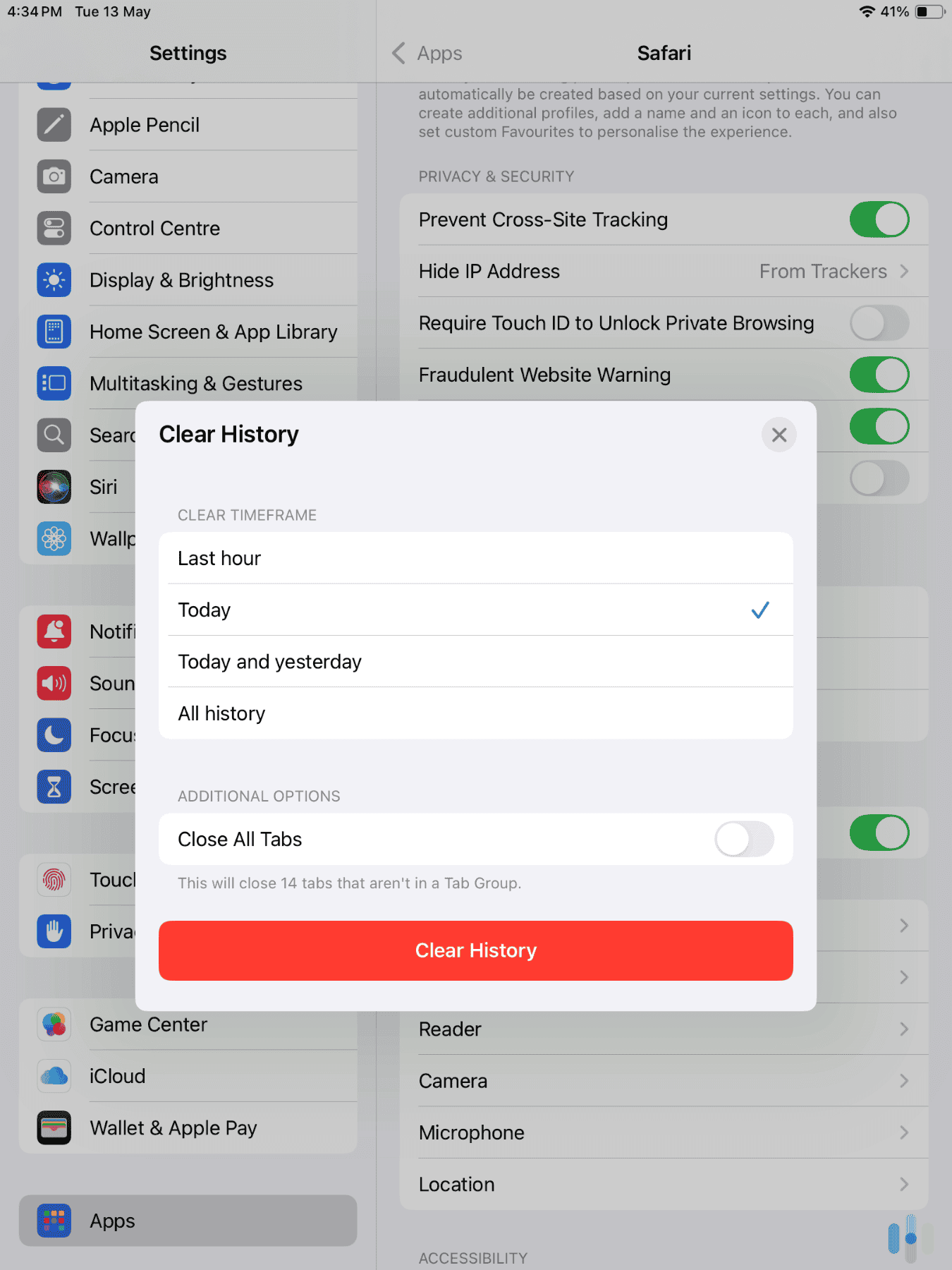
Safari cache clear करना सबसे आसान तरीका है जब आप search करते हैं:
👉 how do i clear cache on iphone
Steps follow करें:
1️⃣ Settings open करें
2️⃣ Safari पर tap करें
3️⃣ नीचे scroll करें
4️⃣ Clear History and Website Data select करें
5️⃣ Confirm करें
इससे Safari cache तुरंत delete हो जाता है।
📲 App Cache Clear कैसे करें (iPhone)
iPhone apps में Android की तरह direct clear cache button नहीं होता।
लेकिन ये दो methods effective हैं।
Method 1: App Reinstall करें
Steps:
1️⃣ App icon को long press करें
2️⃣ Remove App select करें
3️⃣ App Store से app फिर install करें
इससे app cache remove हो जाता है।
Method 2: Offload App Feature Use करें
Steps:
1️⃣ Settings open करें
2️⃣ General select करें
3️⃣ iPhone Storage पर जाएँ
4️⃣ App select करें
5️⃣ Offload App पर tap करें
इस method से app data सुरक्षित रहता है और cache clear हो जाता है।
📊 Cache Clear Methods Comparison Table
| Method | App Data Delete | Cache Remove |
|---|---|---|
| Safari cache clear | Yes | Yes |
| App reinstall | Yes | Yes |
| Offload App | No | Yes |
| Restart iPhone | No | Partial |
🧹 System Storage Cleanup कैसे करें
यदि आप बार-बार search कर रहे हैं how do i clear cache on iphone, तो system storage cleanup करना भी जरूरी होता है।
इन steps को follow करें:
✔ old screenshots delete करें
✔ WhatsApp media साफ करें
✔ unused apps हटाएँ
✔ downloads folder साफ करें
Storage free होने से iPhone की speed automatically improve हो जाती है।
⚡ Quick Checklist: iPhone Cache Cleanup Routine
हर महीने यह routine follow करें:
✔ Safari cache clear करें
✔ unused apps delete करें
✔ Offload App use करें
✔ कम से कम 5GB storage free रखें
✔ iPhone restart करें
📉 Cache Clear कब करना जरूरी होता है?
Cache cleanup इन situations में helpful होता है:
- iPhone slow हो रहा हो
- apps crash हो रहे हों
- Safari slow load हो रहा हो
- storage जल्दी भर रहा हो
- iOS update install नहीं हो रहा हो
🛡️ Cache Clear करने के फायदे
| Benefit | Result |
|---|---|
| Storage free होता है | extra space मिलता है |
| Performance improve होती है | iPhone fast चलता है |
| App errors fix होते हैं | apps smooth चलते हैं |
| Browser speed improve होती है | faster loading |
📱 Bonus Tip: Heating Problem भी Fix हो सकती है
कभी-कभी cache overload की वजह से iPhone heat भी करता है।
इस problem के लिए यह guide भी helpful है:
👉 iPhone Heating Problem Fix Guide (why is the back of my iphone hot)
🔗 Related Helpful Guides (Hindimeto)
Better performance के लिए ये guides भी पढ़ें:
👉 Mobile Phone Problems Fix Guide (2026)
👉 Battery Charging Tips for Android Phones
👉 Phone Update Kaise Kare
👉 iPhone 13 Touch Screen Not Working Fix Guide
❓ FAQ – How Do I Clear Cache on iPhone
Q1. iPhone में clear cache option कहाँ होता है?
Safari settings और Offload App method से cache clear किया जा सकता है।
Q2. Cache clear करने से data delete होता है?
Safari browsing history delete होती है, लेकिन personal files सुरक्षित रहती हैं।
Q3. Cache कितनी बार clear करना चाहिए?
महीने में 1–2 बार पर्याप्त होता है।
Q4. Cache clear करने से iPhone fast होता है?
हाँ, विशेष रूप से storage full होने पर noticeable improvement मिलता है।
Q5. Restart करने से cache clear होता है?
Restart करने से partial cache remove होता है।
⚠️ Disclaimer
Cache clear करने से temporary browsing data remove होता है। Important login details सुरक्षित रखने के बाद ही process करें।
🏁 Final Words
यदि आप बार-बार search कर रहे थे how do i clear cache on iphone, तो अब आपके पास पूरा step-by-step solution उपलब्ध है।
Regular cache cleanup से:
✔ storage free रहता है
✔ apps smooth चलते हैं
✔ iPhone fast रहता है
Smart maintenance = better iPhone performance 📱

Hello! I’m Avi Sharma (also known as Avdhesh Sharma), the founder of HindiMeTo.com — a platform where I share everything about blogging, digital growth, and online success in the Hindi language, making it easier for people who prefer Hindi to understand and learn.
I’m a Performance Media Manager, a certified SEM expert, and someone who genuinely enjoys helping aspiring bloggers and entrepreneurs build real, successful careers in the digital space.
Follow me on:
IG – Instagram