Mobile Format Kaise Kare? (2026 Step-by-Step Guide – Android aur iPhone Reset का सही तरीका)
Last Updated: 2026
अगर आपका phone slow हो गया है, hang कर रहा है, storage full दिखा रहा है या apps crash हो रहे हैं — तो सबसे effective solution होता है:
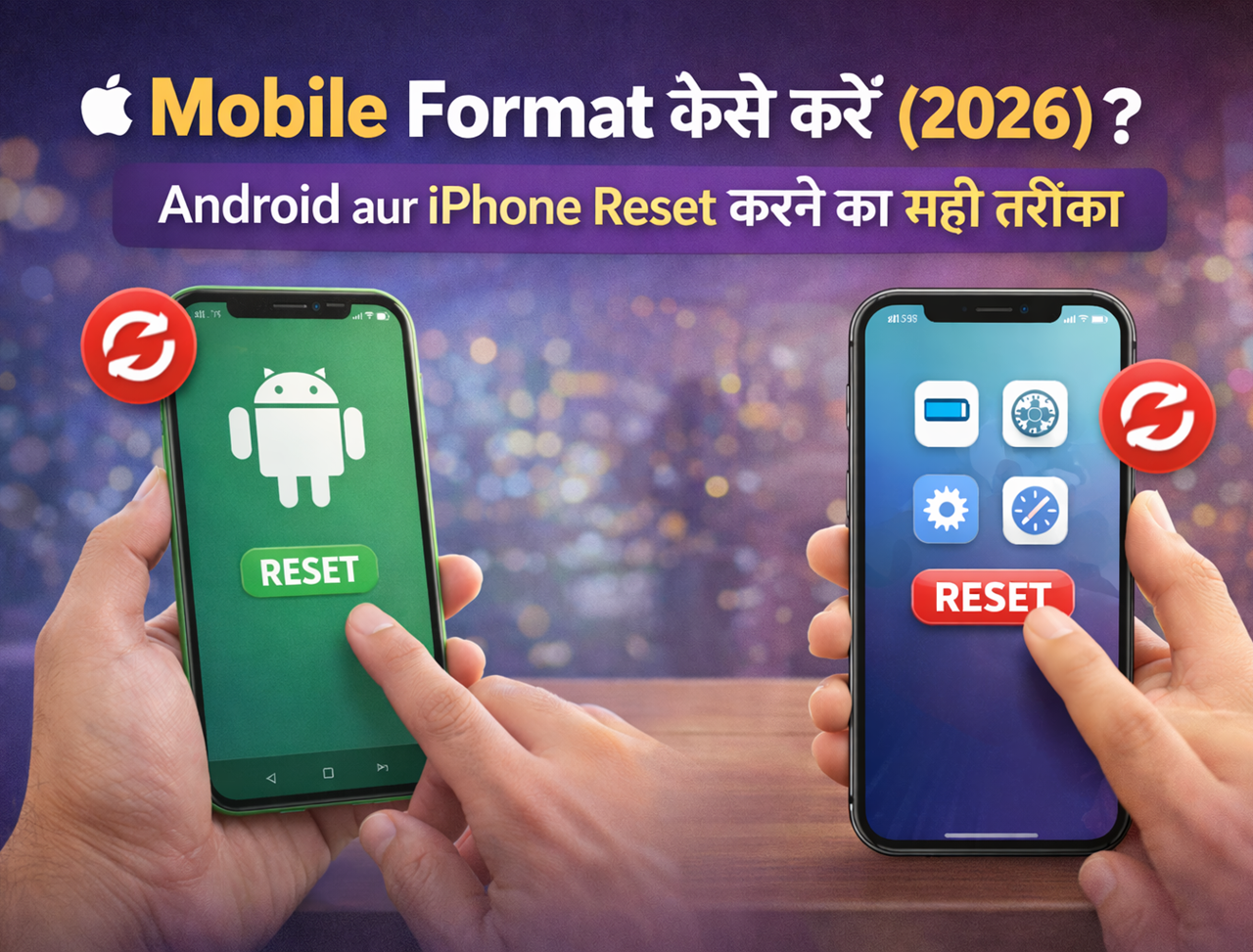
👉 mobile format kaise karen
Mobile format (factory reset) करने से:
✔ phone fast हो जाता है
✔ virus remove हो जाते हैं
✔ storage empty हो जाती है
✔ system errors fix हो जाते हैं
✔ performance improve होती है
इस guide में हम step-by-step सीखेंगे:
- mobile format kaise karen Android
- iPhone format kaise kare
- button se format kaise kare
- format करने से पहले क्या करें
- format के बाद क्या करना चाहिए
📌 What We Cover in This Blog
इस guide में आप सीखेंगे:
- mobile format kaise karen safely
- factory reset kya hota hai
- Android reset ka step-by-step process
- iPhone reset ka method
- format करने से पहले backup कैसे लें
- format के बाद phone setup कैसे करें
📲 Mobile Format Kya Hota Hai?
Mobile format करने का मतलब होता है:
👉 phone को factory condition में वापस लाना
Format करने के बाद:
- apps delete हो जाते हैं
- photos remove हो जाते हैं
- contacts delete हो जाते हैं
- settings reset हो जाती हैं
यानि phone बिल्कुल नया जैसा हो जाता है।
⚠️ Mobile Format Karne Se Pehle Ye Zaroor Karein
Mobile format करने से पहले backup लेना बहुत जरूरी होता है।
Checklist:
✔ Google account sync ON करें
✔ contacts backup लें
✔ photos Google Photos में upload करें
✔ WhatsApp backup लें
✔ important documents save करें
Backup लेने के बाद ही reset करें।
📱 Mobile Format Kaise Karen (Android – Settings Se)


Android phones में mobile format करने का सबसे आसान तरीका:
Steps Follow Karein
1️⃣ Settings open करें
2️⃣ System option में जाएँ
3️⃣ Reset Options select करें
4️⃣ Erase All Data (Factory Reset) पर tap करें
5️⃣ Confirm करें
कुछ minutes में आपका phone format हो जाएगा।
🔐 Button Se Mobile Format Kaise Karen (Hard Reset Method)


अगर phone open नहीं हो रहा है या lock हो गया है, तब hard reset method use करें।
Steps:
1️⃣ Phone switch off करें
2️⃣ Power + Volume Up button press करें
3️⃣ Recovery Mode open करें
4️⃣ Select करें:
👉 Wipe Data / Factory Reset
5️⃣ Confirm करें
Phone automatically reset हो जाएगा।
🍎 iPhone Format Kaise Karen (Step-by-Step)


iPhone users भी आसानी से format कर सकते हैं।
Steps:
1️⃣ Settings open करें
2️⃣ General select करें
3️⃣ Transfer or Reset iPhone पर जाएँ
4️⃣ Erase All Content and Settings चुनें
5️⃣ Confirm करें
कुछ minutes में iPhone reset हो जाएगा।
📊 Factory Reset vs Hard Reset Difference
| Feature | Factory Reset | Hard Reset |
|---|---|---|
| Settings से होता है | Yes | No |
| Buttons से होता है | No | Yes |
| Data delete | Yes | Yes |
| Lock phone में possible | No | Yes |
अगर phone unlock है:
👉 factory reset best option है
Read Also –
Image Resolution Reducer: Reduce Photo Size Online
Image Resolution Reducer: Photo Resolution और Quality कैसे कम करें? अगर आपकी Photo का Size…
15 Common Mobile Phone Issues और उनके Solutions
Mobile Phone Issue: 15 Common Problems और Solutions अगर आपके Phone में Mobile Phone Issue…
Samsung Official Firmware Download (2026) – Official Link
Samsung Official Firmware Download: Firmware कैसे Download करें? (2026) अगर आप Samsung Official Firmware Download…

Vivo Y71 Flash File Download & Firmware
Vivo Y71 Flash File Download & Firmware (2026) अगर आप Vivo Y71 Flash File खोज…
Redmi Note 8 Pro Flash File Download & Firmware
Redmi Note 8 Pro Flash File Download & Firmware Guide (2026) अगर आपका Redmi Note…
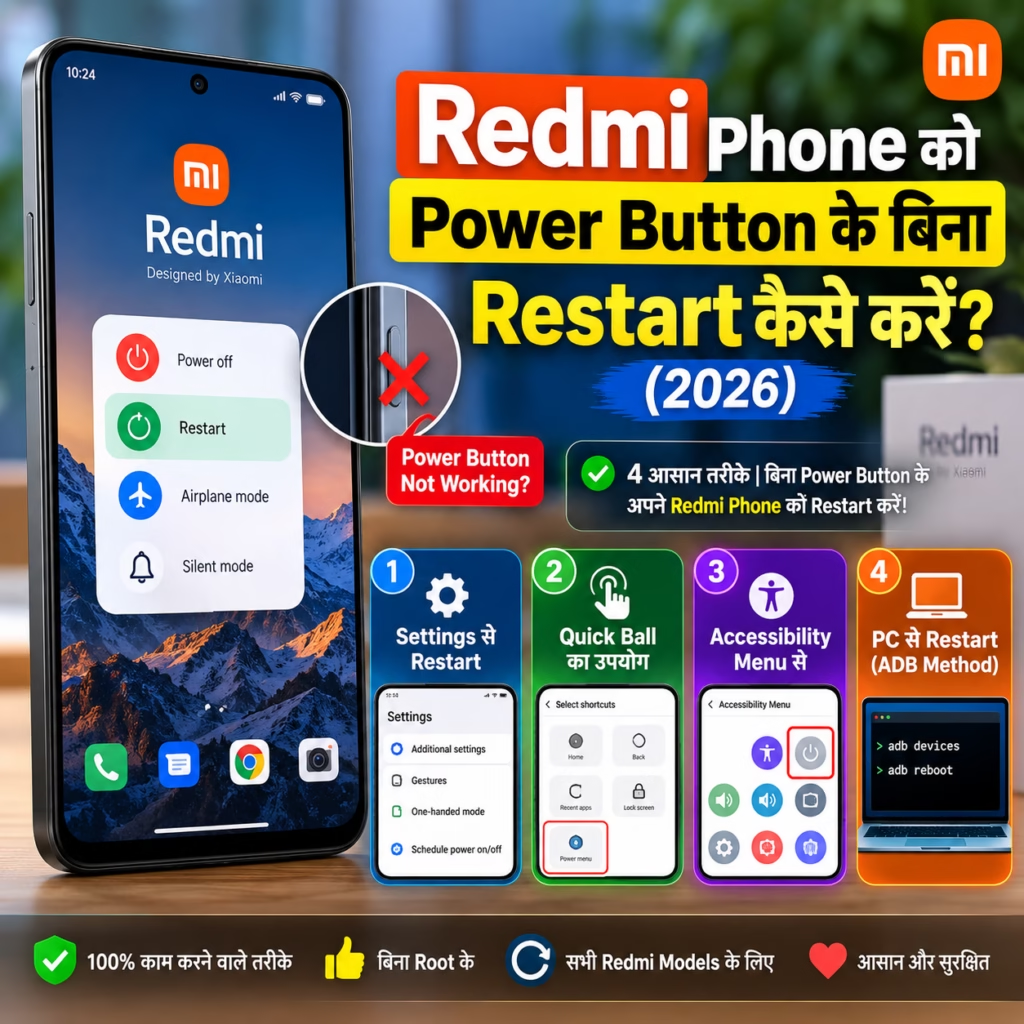
Redmi Phone को Power Button के बिना Restart कैसे करें? (2026)
Redmi Phone को Power Button के बिना Restart कैसे करें? (2026) अगर आपके Redmi Phone…
📉 Mobile Format Kab Karna Chahiye?
इन situations में format करना useful होता है:
✔ phone slow हो गया हो
✔ storage full हो
✔ apps crash हो रहे हों
✔ virus आ गया हो
✔ password भूल गए हों
📦 Mobile Format Karne Ke Baad Kya Karein?
Format करने के बाद:
✔ Google account login करें
✔ apps reinstall करें
✔ contacts restore करें
✔ WhatsApp backup restore करें
✔ system update check करें
⚡ Mobile Format Karne Se Phone Fast Hota Hai Kya?
हाँ।
Format करने से:
- background junk files remove होती हैं
- cache delete होता है
- system errors fix होते हैं
- storage free हो जाती है
इससे phone noticeably fast हो जाता है।
अगर आपका phone slow चल रहा है तो पहले यह guide भी जरूर पढ़ें:
👉 Mobile Phone Problems Fix Guide (2026): Sabhi Issues Ka Solution
यह आपका pillar troubleshooting article है जो formatting से पहले try करने लायक solutions बताता है।
🧠 Mobile Format Karne Se Data Permanently Delete Ho Jata Hai?
हाँ।
Factory reset के बाद:
❌ photos delete
❌ videos delete
❌ contacts delete
❌ apps delete
इसलिए backup लेना जरूरी है।
Backup method के लिए यह guide helpful है:
👉 How Do I Clear Cache on iPhone – Storage Free Karne Ka Easy Guide
🔐 Locked Phone Ko Format Kaise Karein?
अगर phone password locked है:
Hard reset method use करें
Steps:
✔ Recovery mode open करें
✔ Wipe data select करें
✔ Reset confirm करें
Motorola users के लिए detailed guide यहाँ देखें:
👉 How to Reset Motorola Phone When Locked – Safe Step-by-Step Guide
📊 Mobile Format Karne Ke Fayde
| Benefit | Result |
|---|---|
| Storage free | Fast performance |
| Virus remove | Secure device |
| Errors fix | Smooth apps |
| Hang problem fix | Better speed |
⚠️ Mobile Format Karne Ki Common Galtiyan
Format करने से पहले ये mistakes avoid करें:
❌ backup ना लेना
❌ Google account remove ना करना
❌ battery low होना
❌ SIM निकालना भूल जाना
Always battery 50%+ रखें।
❓ FAQ – Mobile Format Kaise Karen
Mobile format karne se phone fast hota hai?
हाँ, formatting से performance improve होती है।
Mobile format karne se virus delete ho jata hai?
हाँ, factory reset से virus remove हो जाता है।
Locked phone ko format kaise karein?
Recovery mode से hard reset करें।
Mobile format karne me kitna time lagta hai?
Normally 5–10 minutes लगते हैं।
Format ke baad WhatsApp data wapas mil sakta hai?
हाँ, अगर backup available हो।
🏁 Final Words
अगर आपका phone slow हो गया है या errors आ रहे हैं और आप सोच रहे थे:
👉 mobile format kaise karen
तो अब आप Android और iPhone दोनों का सही reset method सीख चुके हैं।
लेकिन format करने से पहले हमेशा backup जरूर लें — इससे आपका important data सुरक्षित रहेगा 📱

Hello! I’m Avi Sharma (also known as Avdhesh Sharma), the founder of HindiMeTo.com — a platform where I share everything about blogging, digital growth, and online success in the Hindi language, making it easier for people who prefer Hindi to understand and learn.
I’m a Performance Media Manager, a certified SEM expert, and someone who genuinely enjoys helping aspiring bloggers and entrepreneurs build real, successful careers in the digital space.
Follow me on:
IG – Instagram