🎬 Video Edit Kaise Kare? | मोबाइल और कंप्यूटर से वीडियो एडिट करना सीखें (2026 Guide)
Last Updated: Apr 2026
आज के डिजिटल ज़माने में वीडियो बनाना जितना ज़रूरी है, उतना ही ज़रूरी है उसे सही ढंग से एडिट करना। चाहे आप YouTube Creator हों, Instagram Reels बनाते हों या WhatsApp Status डालते हों — हर जगह वीडियो एडिटिंग एक महत्वपूर्ण स्किल बन गई है।
अगर आप भी सोच रहे हैं कि video edit kaise kare, तो ये गाइड आपके लिए है। इस लेख में हम जानेंगे mobile और computer दोनों के लिए how to edit videos, और वो भी बिलकुल beginner-friendly तरीके से।
पिछले लेख में, हमने महत्वपूर्ण विषय Vlog Kaise Edit Kare? मोबाइल और PC पर वीडियो Editing की पूरी गाइड और Content Writing क्या है – Content Writer कैसे बनें और पैसे कमाए (2024) के बारे में सम्पूर्ण जानकारी प्रदान कर चुके हैं।
📌 Video Editing क्या है?
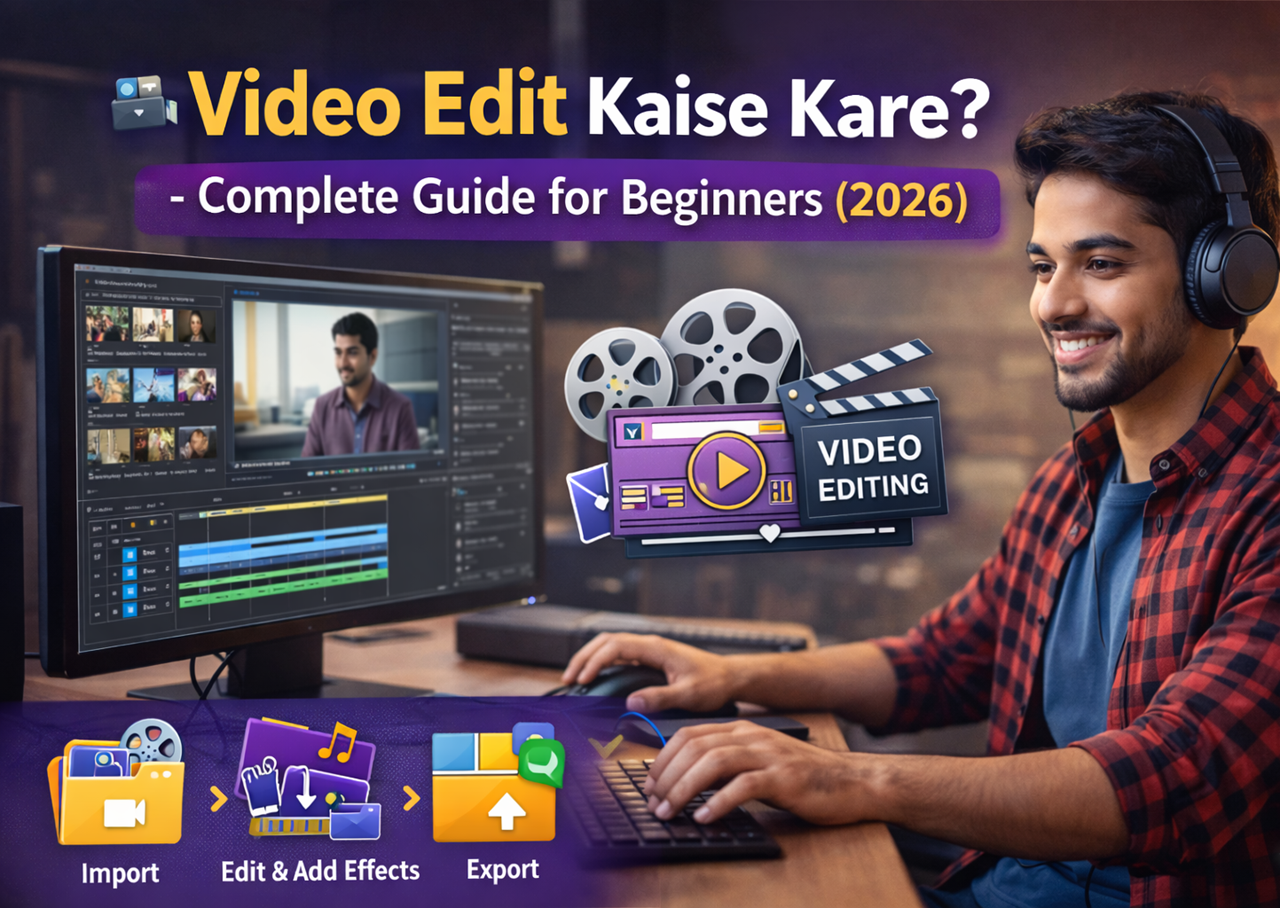

Video Editing मतलब raw video clips को trim, merge, enhance और effect डालकर एक शानदार final वीडियो बनाना। इस प्रोसेस में transitions, music, text, filters, slow-motion, background removal जैसे techniques का इस्तेमाल होता है।
📱 Phone Se Video Edit Kaise Kare?
आज ज्यादातर लोग how to edit videos on phone जानना चाहते हैं। मोबाइल वीडियो एडिटिंग के लिए Play Store और App Store पर कई free tools available हैं।
🔝 Best Apps for Mobile Video Editing:
| App Name | Features |
|---|---|
| KineMaster | Multi-layer editing, green screen, voiceover |
| VN Video Editor | Free, no watermark, professional controls |
| InShot | Trim, music, filter, Instagram/YouTube presets |
| CapCut | Auto-captions, templates, transitions |
| YouCut | Fast, no watermark, for status and reels |
🧠 How to Learn Video Editing for Beginners?
अगर आप सीखना चाहते हैं कि how to learn video editing, तो आप नीचे दिए गए तरीकों से शुरुआत कर सकते हैं:
🎓 वीडियो एडिटिंग सीखने के तरीके:
- YouTube Tutorials – Beginners के लिए best तरीका
- Online Courses – Udemy, Coursera, Skillshare पर affordable और structured learning
- Practice with Free Tools – Practice is the key!
🖥️ Computer Se Video Edit Kaise Kare?
अगर आप laptop या desktop use करते हैं तो आपको चाहिए एक अच्छा software:
🛠 Recommended Free & Paid Video Editing Software:
| Software | Free/Paid | Platform |
|---|---|---|
| DaVinci Resolve | Free | Windows/Mac/Linux |
| Adobe Premiere Pro | Paid | Windows/Mac |
| Filmora | Free/Paid | Windows/Mac |
| Shotcut | Free | Windows/Mac |
| OpenShot | Free | Windows/Mac/Linux |
इनका use करके आप आसानी से जान सकते हैं how to edit youtube videos, या फिर how can i edit a youtube video professionally.
✂️ Video Editing Kaise Kare? Step-by-Step Process
- Video Import करें – Raw footage को app/software में import करें
- Clip Trim करें – Unwanted parts काटें
- Music और Sound Add करें – Background score या voiceover लगाएं
- Text और Title डालें – Heading, intro, outro, subtitles
- Filter और Effects लगाएं – Mood के हिसाब से enhance करें
- Transitions डालें – Scene smooth करने के लिए
- Background Change करें (Optional) – अगर जानना है how to change video background या how to edit background of video, तो green screen tools और AI background remover help कर सकते हैं
- Face Editing और Swap Tools – जैसे apps se aap सीख सकते हो how to edit face in video ya how to change face on video
🎯 Special Tips – YouTube & Instagram Video Editing
📹 How to Edit YouTube Videos
- Use Premiere Pro ya Filmora for quality output
- Add custom thumbnails & proper transitions
- Maintain 16:9 aspect ratio
- Use Hindimeto.com guide on Blogging & YouTube growth
📱 How to Edit Videos for Instagram
- Vertical format (9:16) use करें
- Fast cuts, trending music
- Use InShot or CapCut
- Perfect for Reels & Stories
🎭 Background Change Kaise Kare?
Agar aapko जानना है how to change background in a video, तो ये tools help करेंगे:
✅ Best Tools for Background Editing:
| Tool | Type | Use |
|---|---|---|
| Unscreen | Online Tool | Auto background remove |
| KineMaster Green Screen | Mobile App | Use Chroma Key |
| CapCut AI Tools | Mobile | Auto cutout |
| Runway ML | Web-based | AI background editor |
इनसे आप जान पाएंगे how to change the background in a video, चाहे वो YouTube video हो या Instagram Reel.
🧩 FAQs (Frequently Asked Questions)
❓ How do I edit videos for YouTube?
👉 Use professional software like Premiere Pro or free tools like Shotcut. Trim, enhance, add music and captions.
❓ How to edit a video on phone?
👉 Use InShot, CapCut, VN Editor. Import video, trim it, add effects and export.
❓ How to make video into slow motion?
👉 Most editors offer slow-motion tool – look for “speed” control.
❓ How to edit whatsapp status?
👉 Trim video to 30 seconds, add music/text in InShot or YouCut.
❓ How can we edit a video for Instagram?
👉 Use vertical format, apply trending sound, trim and adjust speed.
🔗 External Resources:
🔗 Internal Links (From Hindimeto.com):
- 👉 Blog Kaise Banaye – Full Hindi Guide
- 👉 Paise Kaise Kamaye – Online Tarike
- 👉 Best Video Editing Apps Hindi Guide
📌 Conclusion: Video Editing Seekhna Ab Aasaan Hai
अब आपको clear हो गया होगा कि video edit kaise kare mobile aur computer dono pe. शुरू में basic tools से practice करें, फिर धीरे-धीरे advance features सीखें। Regular editing practice और YouTube से सीखना आपकी skill को next level पर ले जाएगा।
अगर aapko ye post helpful lagi ho, to share karein aur comment karke batayein ki aap next kya seekhna chahenge. Aur haan – aise hi awesome SEO blogs ke liye Hindimeto.com par jude rahiye!

Hindimeto.com एक हिंदी ब्लॉग है जो आपको विभिन्न विषयों पर जानकारी देता है। इस ब्लॉग का संस्थापक और प्रबंधक Avi Sharma है, जो एक पेशेवर ब्लॉगर और लेखक हैं।
Avi Sharma ने इस ब्लॉग को 2020 में शुरू किया था, जब उन्होंने अपनी पहली पोस्ट Tech के बारे में लिखी थी। उनका लक्ष्य था कि वे अपने अनुभव और ज्ञान को लोगों के साथ साझा करें और उन्हें हिंदी में उपयोगी और रोचक सामग्री प्रदान करें।
आज, Hindimeto.com एक लोकप्रिय और विश्वसनीय हिंदी ब्लॉग बन गया है, जो आपको Tech, Mobile, Apps, Make money, Biography article, Government scheme जैसे विषयों पर अद्भुत और गहन जानकारी देता है।