📲 How to Turn Off Active Status on Instagram? (Complete Privacy Guide)
Aaj ke time me Instagram sirf photos aur reels ka platform nahi raha, balki messaging aur chatting ka bhi important part ban chuka hai. Lekin bahut se users ye nahi chahte ki koi dekhe ki woh online hain ya nahi. Isi wajah se log search karte hain — how to turn off active status on instagram.
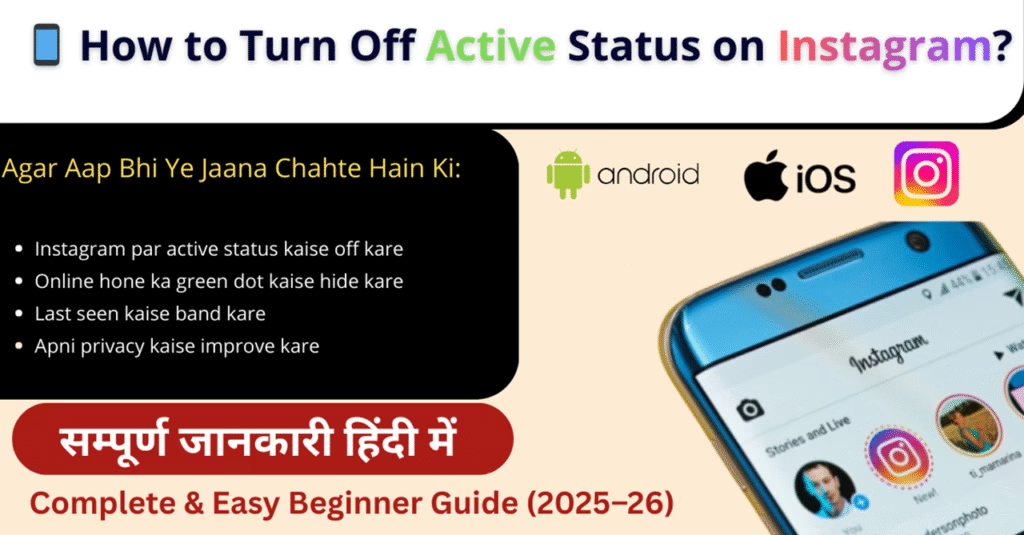
Agar aap bhi ye jaana chahte hain ki:
- Instagram par active status kaise off kare
- Online hone ka green dot kaise hide kare
- Last seen kaise band kare
- Apni privacy kaise improve kare
to ye guide aapke liye bilkul perfect hai.
📌 Instagram Active Status Kya Hota Hai?
Instagram ka Active Status feature batata hai ki aap:
- Abhi online ho
- Kab last time active the
- DM section me available ho
Jab active status ON hota hai, to aapke followers ya jinke saath aap chat karte hain, unhe green dot ya “Active now” text dikhai deta hai.
🤔 How to Turn Off Active Status on Instagram? (Step-by-Step)
Neeche diye gaye steps follow karke aap easily Instagram active status off kar sakte hain.
✅ Instagram Active Status Off Karne Ke Steps:
1️⃣ Instagram App Open Karein
2️⃣ Profile Icon par tap karein
3️⃣ Top right corner me ≡ (Three Lines) par click karein
4️⃣ Settings and Privacy open karein
5️⃣ Messages and Story Replies par tap karein
6️⃣ Show Activity Status option par jaayein
7️⃣ Toggle button OFF kar dein
Bas! Ab koi bhi nahi dekh paayega ki aap kab online hain.
📊 Instagram Active Status Settings Table
| Setting | Status |
|---|---|
| Show Activity Status | OFF |
| Last Seen | Hidden |
| Green Dot | Disabled |
| Privacy Level | Improved |
🔒 Active Status Off Karne Ke Fayde
Instagram par active status off karne ke kaafi benefits hote hain:
- 🛡️ Privacy improve hoti hai
- 👀 Log aapko online track nahi kar paate
- 🧘♂️ Mental pressure kam hota hai
- ⏳ Aap apne time par reply kar sakte hain
- 🚫 Unwanted messages se bachav
Isliye kaafi users prefer karte hain how to turn off active status on instagram.
⚠️ Active Status OFF Karne Ke Baad Kya Hoga?
Jab aap active status off kar dete hain:
- Aap kisi ka bhi active status nahi dekh paoge
- Aapka last seen hidden ho jaata hai
- DM me green dot nahi dikhega
👉 Ye feature two-way system par kaam karta hai.
📱 Android vs iPhone – Kya Process Same Hai?
Haan, Android aur iPhone dono me process almost same hota hai.
| Device | Steps Same? |
|---|---|
| Android Phone | ✅ Yes |
| iPhone | ✅ Yes |
| Instagram Web | ❌ Limited |
💻 Instagram Web Par Active Status Off Kaise Kare?
Agar aap Instagram browser me use karte hain:
1️⃣ Instagram.com open karein
2️⃣ Profile → Settings
3️⃣ Privacy & Security
4️⃣ Activity Status OFF karein
⚠️ Web version me options kabhi-kabhi update ke saath change ho sakte hain.
❌ Common Mistakes Users Karte Hain
- App update na karna
- Galat section me option dhoondhna
- Multiple accounts me confusion
- Cache issue ke wajah se setting apply na hona
📌 Tip: Setting change ke baad app restart karna helpful hota hai.
❓ FAQ – How to Turn Off Active Status on Instagram
Q1. Kya active status off karne ke baad log mujhe message bhej sakte hain?
Haan, message bhej sakte hain, bas unhe aapka online status nahi dikhega.
Q2. Kya active status off karna permanent hota hai?
Nahi, aap kabhi bhi setting me jaakar dobara ON kar sakte hain.
Q3. Kya kisi ek person ke liye active status hide kar sakte hain?
Nahi, Instagram abhi selective hide ka option provide nahi karta.
Q4. Active status off karne ke baad kya main dusron ka status dekh sakta hoon?
Nahi, jab aap off karte hain to aap bhi dusron ka active status nahi dekh paoge.
🔗 Internal Linking (Hindimeto.com)
Instagram tips, social media privacy guides aur smartphone tutorials jaise aur useful articles padhne ke liye visit karein:
👉 Hindimeto.com/Mobile
Yahan aapko milte hain easy Hindi guides jo daily digital problems solve karte hain.
⚠️ Disclaimer / Note
Instagram features aur settings time ke saath update hote rehte hain. Agar option thoda alag dikhe, to app ko latest version me update karein.
🏁 Final Words
Ab aap clearly samajh gaye honge how to turn off active status on instagram. Agar aap apni privacy ko seriously lete hain aur bina pressure ke Instagram use karna chahte hain, to active status off karna ek best option hai.
Social media ko control karein, social media aapko control na kare 😊📲
Phone Warranty Check Kaise Kare? IMEI से Status Check (2026)
Phone Warranty Check Kaise Kare Online? IMEI से Warranty Status Check (2026) Last Updated: 18…
WhatsApp Chat Backup Kaise Kare? Android aur iPhone Guide (2026)
WhatsApp Chat Backup Kaise Kare? Complete Guide (2026) Quick Answer: WhatsApp Chat Backup Kaise Kare?…

Chori Hua Phone Kaise Block Kare? CEIR से IMEI Block (2026)
Chori Hua Phone Kaise Block Kare? CEIR Portal से IMEI Block करें (2026) Last Updated:…
Power Button Not Working – How to Turn On Phone | Complete Guide
Power Button Not Working – How to Turn On Phone | Complete Guide Updated: April…

Samsung Galaxy S27 Ultra में 5700mAh Battery? नया Leak आया सामने
Samsung Galaxy S27 Ultra में 5700mAh Battery? नया Leak आया सामने Samsung Galaxy S27 Ultra…
Redmi Note 17 5G India Launch Date Confirm, मिलेगी 8000mAh Battery!
Redmi Note 17 5G की India Launch Date Confirm, मिलेगी 8000mAh Battery! Redmi Note 17…

Hello! I’m Avi Sharma (also known as Avdhesh Sharma), the founder of HindiMeTo.com — a platform where I share everything about blogging, digital growth, and online success in the Hindi language, making it easier for people who prefer Hindi to understand and learn.
I’m a Performance Media Manager, a certified SEM expert, and someone who genuinely enjoys helping aspiring bloggers and entrepreneurs build real, successful careers in the digital space.
Follow me on:
IG – Instagram