
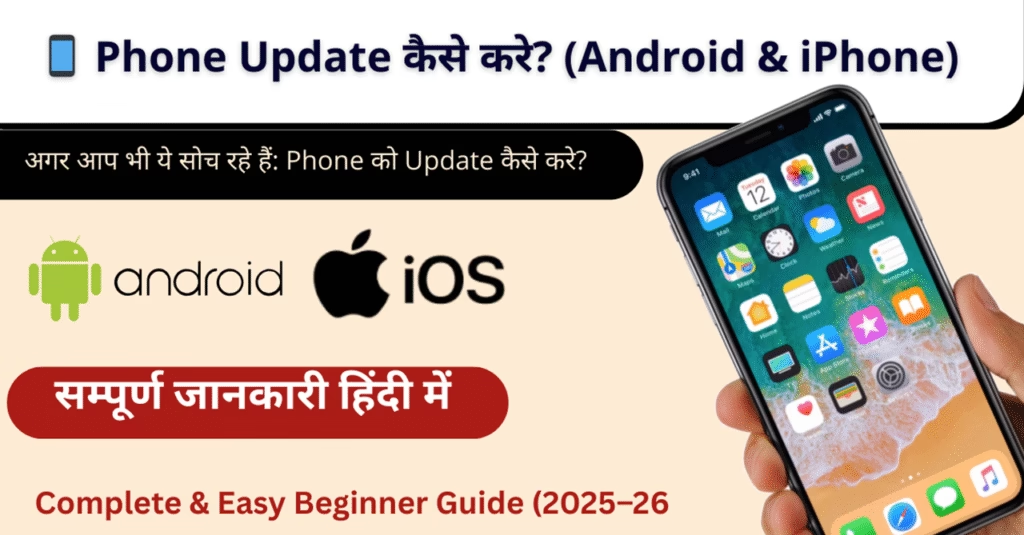
📱 Phone Update Kaise Kare? (Android & iPhone Complete Guide) 2026
Aaj ke time me phone update kaise kare ye jaana har smartphone user ke liye bahut zaroori ho gaya hai. Mobile update sirf naye features ke liye hi nahi, balki security, performance aur bug fix ke liye bhi important hota hai.
Agar aap bhi ye soch rahe hain:
- phone ko update kaise kare
- phone ko update kaise karen safely
- phone update kaise karte hai
- iPhone update kaise kare
to ye guide aapke liye bilkul perfect hai.
📌 Phone Update Kya Hota Hai?
Phone update ka matlab hota hai mobile operating system (OS) ka naya version install karna.
Ye update do types ke hote hain:
- System Update / Software Update
- Security Patch Update
Update ke baad phone:
✔ zyada secure hota hai
✔ fast kaam karta hai
✔ naye features milte hain
✔ bugs fix ho jaate hain
🤔 Phone Ko Update Kaise Kare? (Basic Requirements)
Phone update start karne se pehle kuch basic cheezon ka dhyaan rakhna zaroori hai:
| Requirement | Details |
|---|---|
| Battery | Minimum 50% (better 80%) |
| Internet | Stable Wi-Fi connection |
| Storage | Enough free space |
| Backup | Photos, contacts, data ka backup |
📌 Tip: Update ke time phone switch off na karein.
Complete solution ke liye hamara Mobile Problems Guide padhein.
🤖 Android Phone Update Kaise Kare? (Step-by-Step)
Agar aap Android phone use karte hain (Samsung, Redmi, Vivo, Oppo, Realme, etc.), to neeche diye gaye steps follow karein.
✅ Android Phone Ko Update Kaise Kare:
1️⃣ Settings open karein
2️⃣ About Phone / System par tap karein
3️⃣ Software Update / System Update select karein
4️⃣ Check for Updates par tap karein
5️⃣ Update available ho to Download & Install karein
6️⃣ Phone automatically restart ho jayega
Isi process ko hi commonly log phone update kaise karte hai kehte hain.
📊 Android Phone Update Path (Table)
| Step | Action |
|---|---|
| Step 1 | Settings open kare |
| Step 2 | About Phone par jaye |
| Step 3 | Software Update |
| Step 4 | Download Update |
| Step 5 | Install & Restart |
🍎 iPhone Update Kaise Kare? (iOS Update Guide)
Agar aap iPhone user hain, to iPhone update kaise kare ka process thoda alag hota hai, lekin kaafi simple hai.
✅ iPhone Ko Update Kaise Kare:
1️⃣ Settings open karein
2️⃣ General par tap karein
3️⃣ Software Update select karein
4️⃣ Agar update available ho to Download and Install karein
5️⃣ Apple ID password enter karein
6️⃣ Phone automatically update ho jayega
📊 iPhone Update Steps Table
| Step | Action |
|---|---|
| Step 1 | Settings → General |
| Step 2 | Software Update |
| Step 3 | Download |
| Step 4 | Install |
| Step 5 | Restart |
🔄 Phone Update Ke Fayde (Benefits)
Phone update karne ke kaafi benefits hote hain:
- 🔐 Security threats se protection
- ⚡ Phone performance improve hoti hai
- 🆕 New features aur options milte hain
- 🐞 Bugs aur glitches fix hote hain
- 🔋 Battery optimization hoti hai
Isliye experts hamesha recommend karte hain ki phone ko update kaise karen ye sabko pata hona chahiye.
❌ Phone Update Karte Time Common Problems
Bahut se users ko update ke time problems face hoti hain:
| Problem | Reason |
|---|---|
| Update stuck | Slow internet |
| Storage error | Space kam hona |
| Battery issue | Low battery |
| Phone hang | Interrupted update |
🛠️ Phone Update Problem Ka Solution
- Wi-Fi network change karein
- Unused apps delete karein
- Phone restart karke dobara try karein
- Background apps close karein
- Last option: Service center visit karein
Phone Warranty Check Kaise Kare? IMEI से Status Check (2026)
Phone Warranty Check Kaise Kare Online? IMEI से Warranty Status Check (2026) Last Updated: 18…
WhatsApp Chat Backup Kaise Kare? Android aur iPhone Guide (2026)
WhatsApp Chat Backup Kaise Kare? Complete Guide (2026) Quick Answer: WhatsApp Chat Backup Kaise Kare?…
Chori Hua Phone Kaise Block Kare? CEIR से IMEI Block (2026)
Chori Hua Phone Kaise Block Kare? CEIR Portal से IMEI Block करें (2026) Last Updated:…
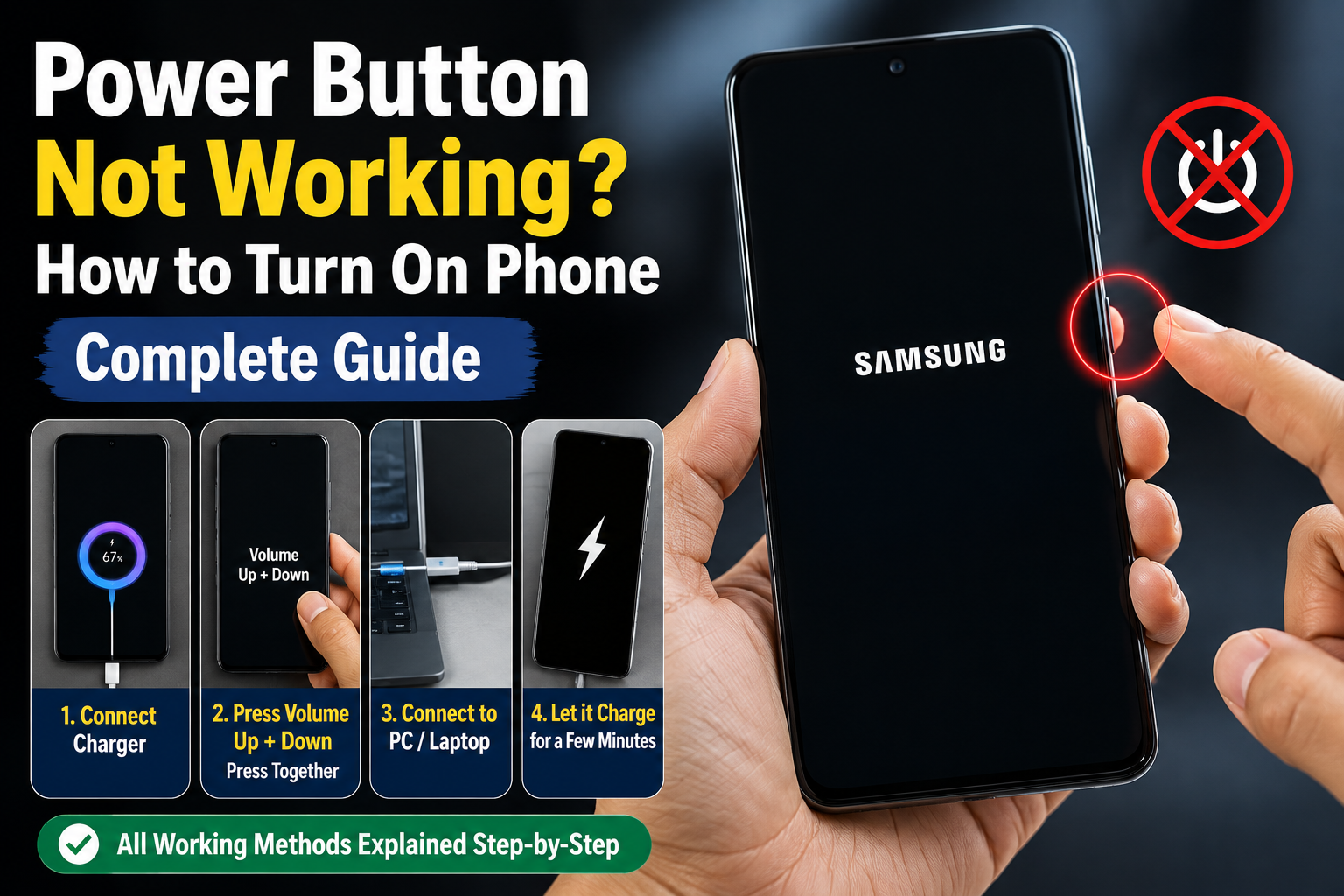
Power Button Not Working – How to Turn On Phone | Complete Guide
Power Button Not Working – How to Turn On Phone | Complete Guide Updated: April…
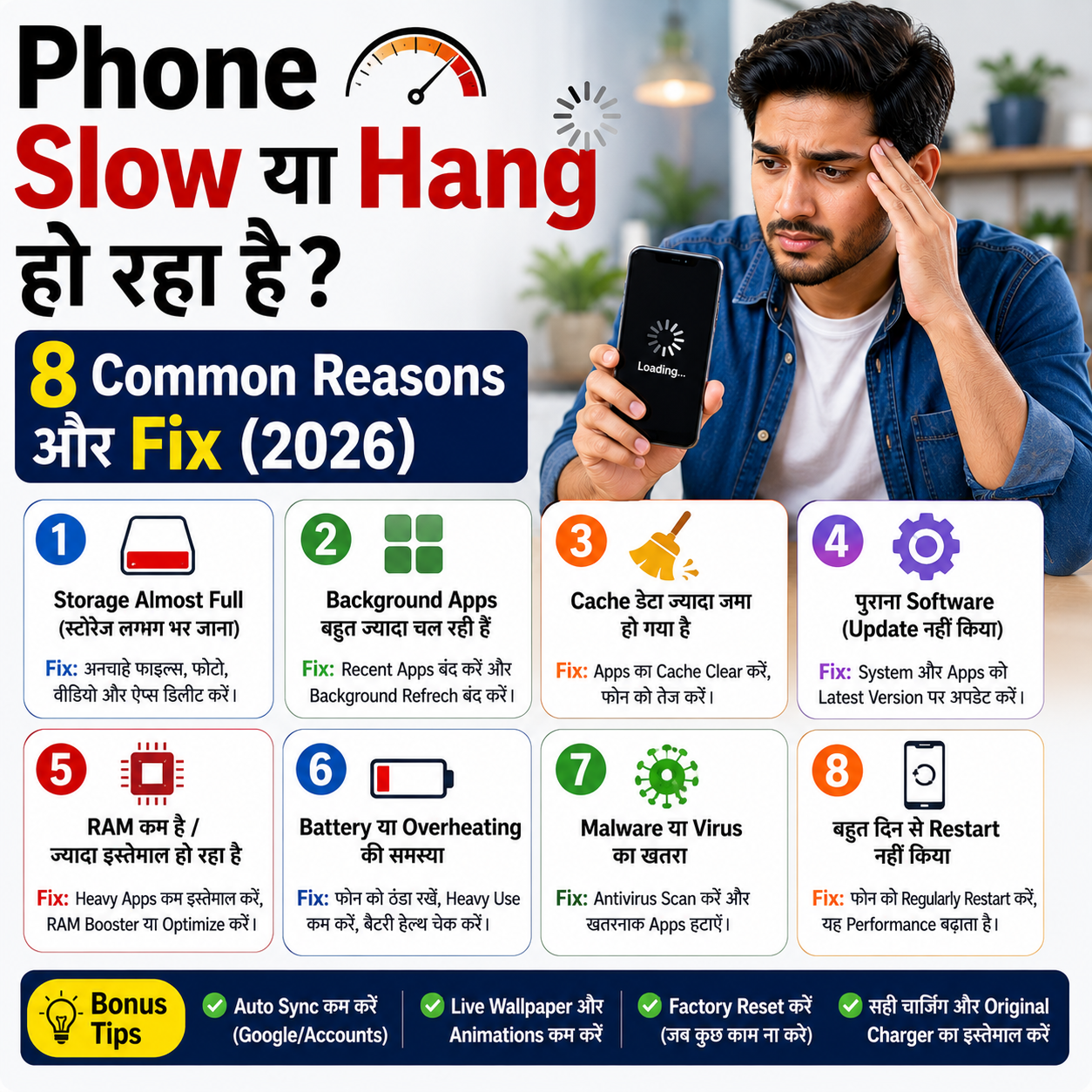
Phone Slow Hang Ho Raha Hai? 8 Real Kaaran Aur Fix (2026)
Phone Slow या Hang हो रहा है? 8 Common Reasons और Fix (2026) Last Updated:…

15000 में 5G AI Phone खरीद रहे हैं? ये 9 बातें जरूर चेक करें
15000 रुपये में 5G AI फोन क्यों trend में है? 2026 में budget smartphone market…
🔐 Phone Ko Update Kaise Karen Safely? (Important Tips)
- Update se pehle data backup zaroor lein
- Public Wi-Fi use na karein
- Battery full rakhein
- Unknown sources se update install na karein
- Sirf official system update ka use karein
❓ FAQ – Phone Update Kaise Kare
Q1. Kya phone update karna zaroori hai?
Haan, phone update security aur performance ke liye bahut zaroori hota hai.
Q2. Phone update me data delete hota hai kya?
Normally nahi, lekin safety ke liye backup lena best hota hai.
Q3. Phone update hone me kitna time lagta hai?
Internet speed aur update size par depend karta hai, usually 15–40 minutes.
Q4. Purane phone me update kyu nahi aata?
Har phone manufacturer limited time tak updates deta hai.
Q5. iPhone update kaise kare bina Wi-Fi?
iPhone me mobile data se update allowed hota hai, lekin Wi-Fi recommended hota hai.
🔗 Internal Linking (Hindimeto.com)
Mobile tips, smartphone guides, technology updates aur step-by-step tutorials padhne ke liye visit karein:
👉 Hindimeto.com
Yahan aapko milenge easy Hindi guides jo daily life me kaam aate hain.
⚠️ Disclaimer / Note
Ye article sirf educational purpose ke liye hai. Phone update process model aur brand ke according thoda different ho sakta hai.
🏁 Final Words
Ab aap clearly samajh chuke hain phone update kaise kare, chahe wo Android ho ya iPhone. Regular update se phone secure, fast aur long-lasting rehta hai.
Agar guide helpful lagi ho, to update karna delay na karein 😊, Aur isi tarah ke helpful tips ke liy hame follow krnana bhule dhyanvaad! Hindimeto -> Mobile

SBI Personal Loan कैसे लें? Interest Rate, Eligibility 2026
SBI Personal Loan Kaise Le? Eligibility, Documents aur Apply Process (2026) Last Updated: 2026 अगर…

How to Change Mobile Number for PF Account? Easy EPFO Update Guide (2026)
📱 How to Change Mobile Number for PF Account? (Complete EPFO Guide) Agar aapka mobile…
Phone Update Kaise Kare 2026? Easy & Safe Step-by-Step Guide (Android & iPhone)
📱 Phone Update Kaise Kare? (Android & iPhone Complete Guide) 2026 Aaj ke time me…
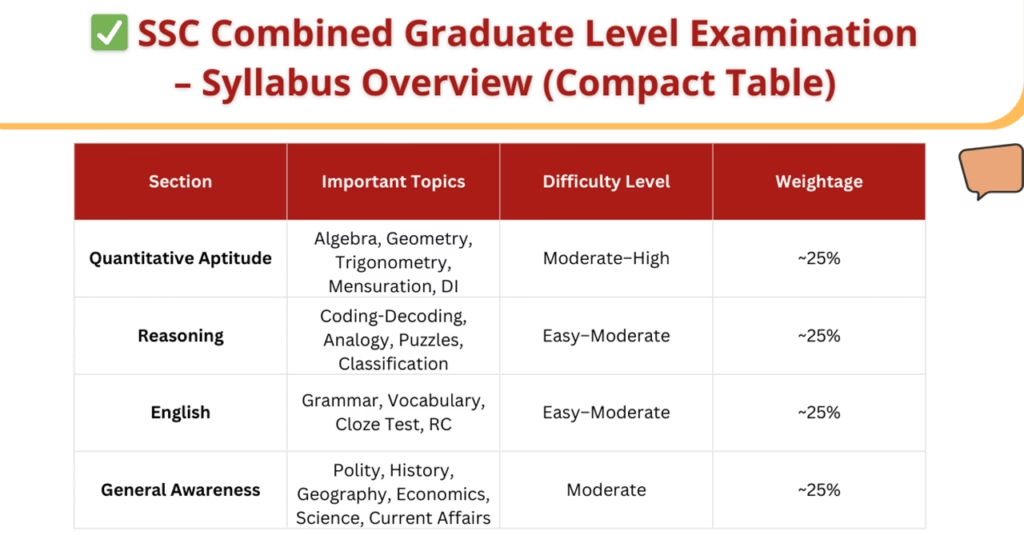
SSC CGL Syllabus 2025–2026 (Tier 1 & Tier 2) | Latest Exam Pattern & Topics
📚 SSC CGL Syllabus 2025–2026 – Complete Guide (Tier 1 & Tier 2) SSC Combined…

SSC GD Mock Test 2026 – Free SSC GD Online Test, Pattern, Syllabus & Preparation Guide
🪖 SSC GD Mock Test – Free SSC GD Online Test & Complete Preparation Guide…
🏆 Combined Graduate Level Examination (CGL) – Complete Guide (2025-2026)
🏆 Combined Graduate Level Examination (CGL) – Complete Guide (2025-2026) भारत में लाखों छात्रों द्वारा…

Hello! I’m Avi Sharma (also known as Avdhesh Sharma), the founder of HindiMeTo.com — a platform where I share everything about blogging, digital growth, and online success in the Hindi language, making it easier for people who prefer Hindi to understand and learn.
I’m a Performance Media Manager, a certified SEM expert, and someone who genuinely enjoys helping aspiring bloggers and entrepreneurs build real, successful careers in the digital space.
Follow me on:
IG – Instagram