Android

Android phone, Android features, Android settings, updates, tips और guides से जुड़ी आसान और उपयोगी जानकारी।

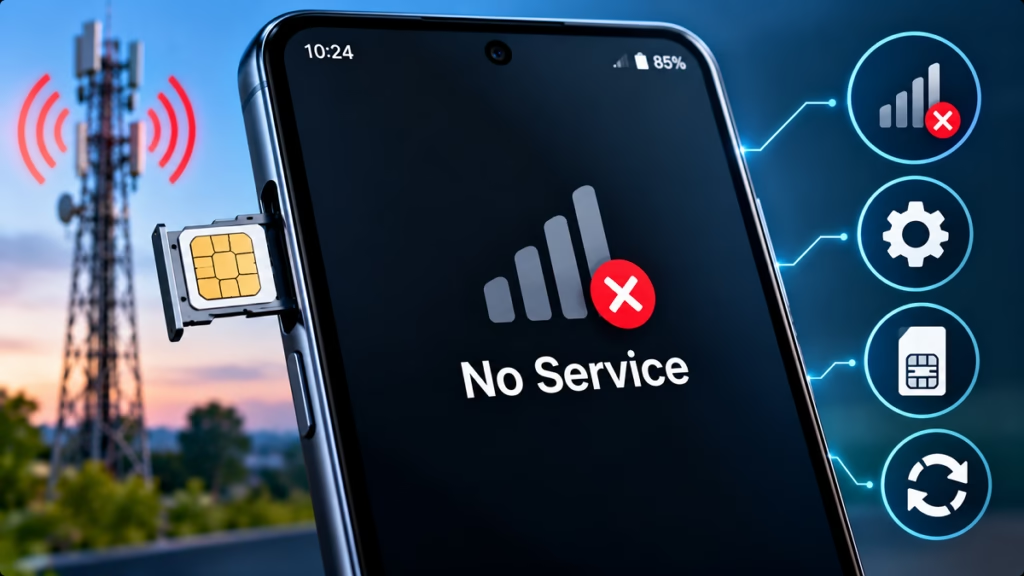
Android phone showing No Service with a SIM card inserted

SIM Card Inserted but No Service on Android? 10 Fixes

SIM Card Inserted but No Service on Android: 10 Fixes That Work Quick Answer: If your Android phone shows “No Service” even though the SIM card is inserted, turn Airplane Mode on and off, restart your phone, check whether the SIM is enabled, and manually select your mobile network. If the problem continues, test the

SIM Card Inserted but No Service on Android? 10 Fixes Read More »
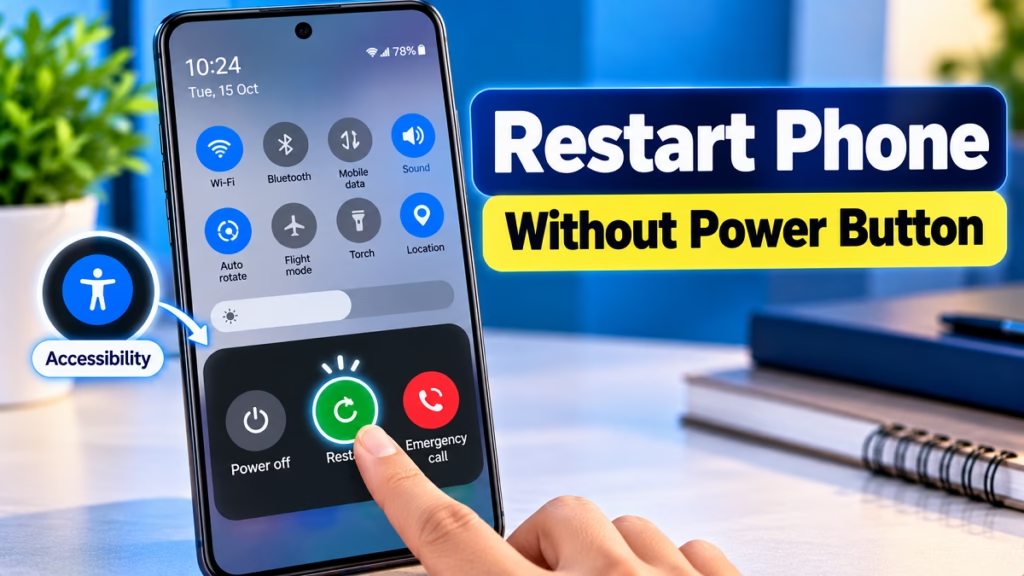
Restart phone without power button using Android Quick Settings and Accessibility Menu

Restart Phone Without Power Button: Easy Methods

Restarting Phone Without Power Button: पूरी Guide अगर आपके Phone का Power Button खराब हो गया है या काम नहीं कर रहा, तो भी आप कई Android Phones को बिना Power Button दबाए Restart कर सकते हैं। सबसे आसान तरीका Quick Settings में दिए गए Power icon का इस्तेमाल करना है। अगर यह विकल्प नहीं

Restart Phone Without Power Button: Easy Methods Read More »

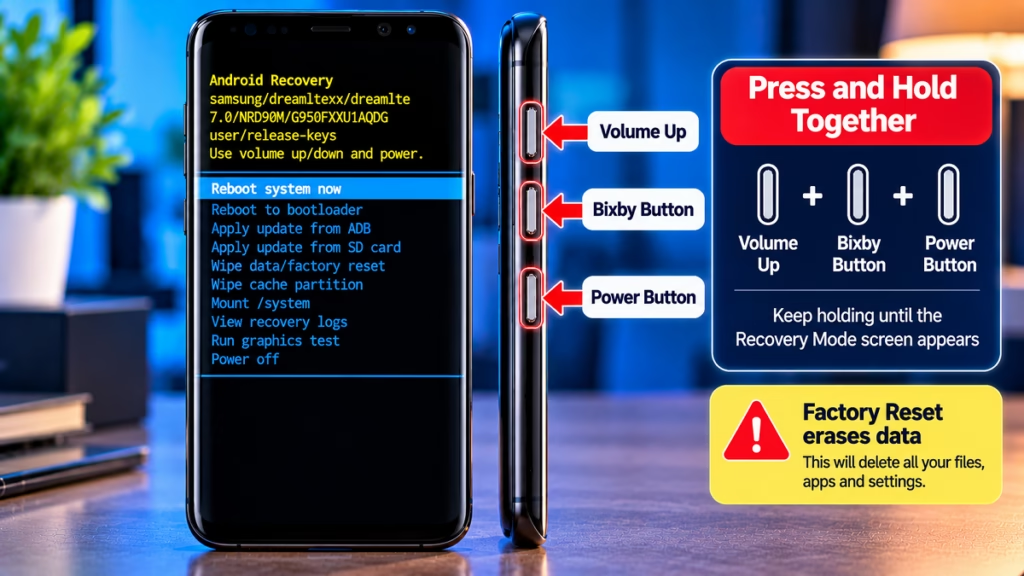
Samsung Galaxy S8 Recovery Mode showing Android Recovery menu and Volume Up, Bixby and Power button instructions

Samsung Galaxy S8 Recovery Mode: Button Guide

samsung galaxy s8 recovery modeSamsung Galaxy S8 Recovery Mode कैसे खोलें? Quick Answer: Samsung Galaxy S8 को Recovery Mode में खोलने के लिए Phone को पूरी तरह Power Off करें। फिर Volume Up + Bixby + Power Buttons को एक साथ दबाकर रखें। Samsung Logo दिखाई देने पर Power Button छोड़ दें, लेकिन Recovery Menu

Samsung Galaxy S8 Recovery Mode: Button Guide Read More »

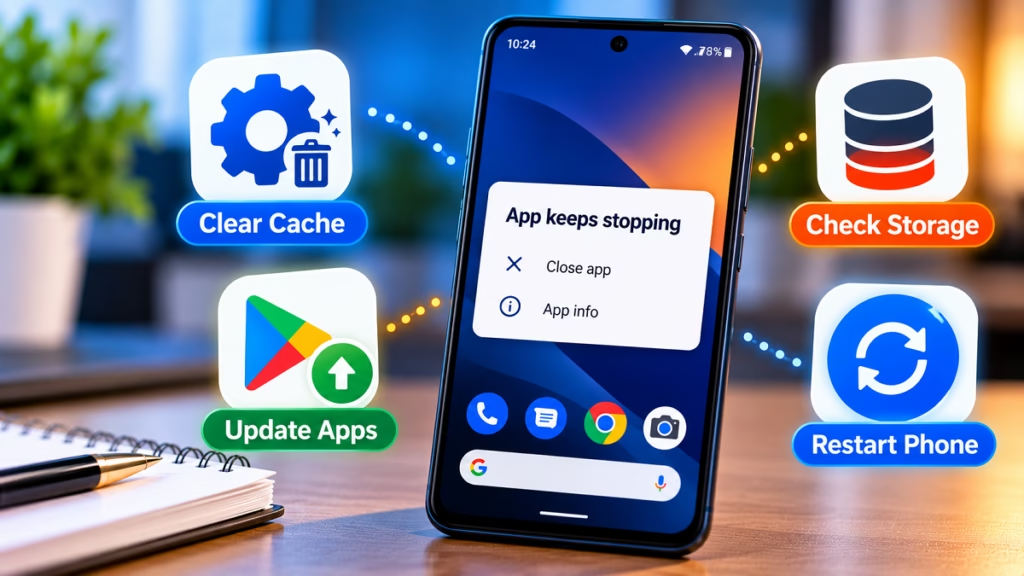
Android apps stopped working error with Clear Cache, Update Apps, Check Storage and Restart Phone fixes

Apps Stopped Working on Android? 10 Easy Fixes

Apps Stopped Working on Android: 10 आसान Fix Quick Answer: अगर Android Phone में Apps खुलते ही बंद हो रही हैं, Freeze हो रही हैं या “App keeps stopping” Error आ रहा है, तो सबसे पहले Phone Restart करें, Google Play Store से Apps Update करें और प्रभावित App का Cache Clear करें। अगर कई

Apps Stopped Working on Android? 10 Easy Fixes Read More »

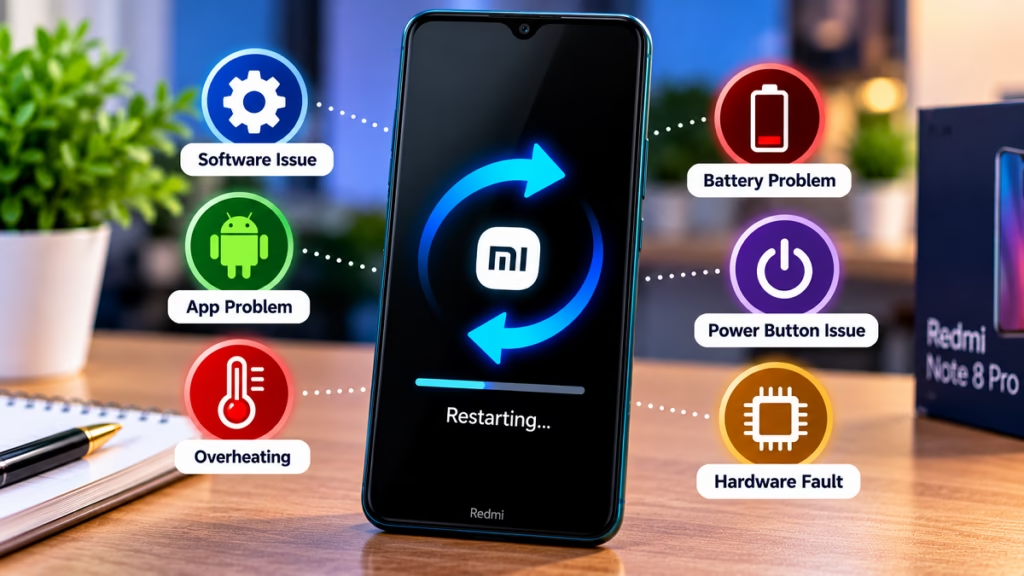
Redmi Note 8 Pro restart problem showing a phone stuck in a restarting loop

Redmi Note 8 Pro Restart Problem: 10 Fix

Redmi Note 8 Pro Restart Problem: अपने आप Restart होने के Fix अगर आपका Redmi Note 8 Pro बार-बार अपने आप Restart हो रहा है, MI Logo पर अटक जाता है या इस्तेमाल करते समय अचानक बंद होकर फिर चालू हो जाता है, तो इसकी वजह Software Bug, खराब App, Power Button, Battery या Hardware

Redmi Note 8 Pro Restart Problem: 10 Fix Read More »

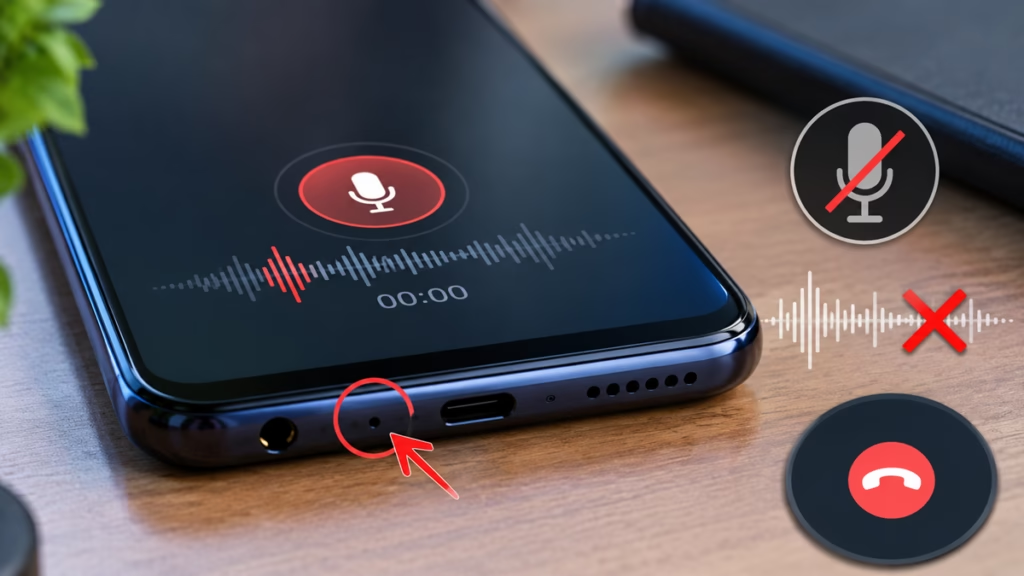
Redmi Note 8 microphone problem and microphone not working troubleshooting

Redmi Note 8 Microphone Problem: 10 आसान Solutions

Redmi Note 8 Microphone Problem: 10 आसान Solutions Quick Answer: अगर आपके Redmi Note 8 का Microphone काम नहीं कर रहा है, तो सबसे पहले Phone Restart करें, Bluetooth Disconnect करें और Microphone Hole को Soft, Dry Brush से साफ करें। इसके बाद Voice Recorder में अपनी आवाज Record करके देखें। अगर Recording ठीक है

Redmi Note 8 Microphone Problem: 10 आसान Solutions Read More »

Content Protection by DMCA.com
Scroll to Top